Map
The Map displays the plotted Site Geometry. Site Geometry can be a Point, a Line, or a Polygon. If the Site does not have Geometry, a point is plotted using site extents
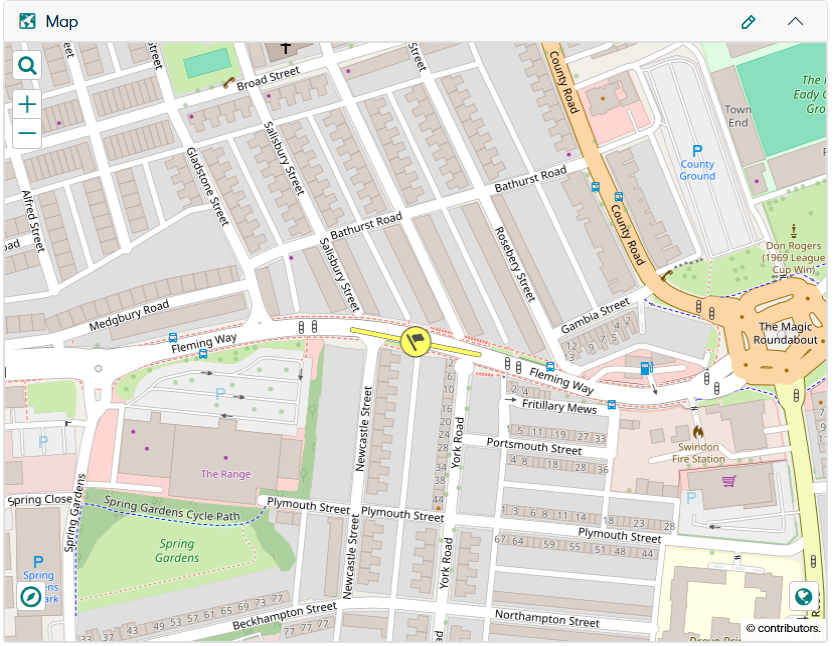
Please refer to the Confirm Map page for additional information.
Enable Map Editing for Sites
This is Web setting provides user the ability to show or hide the Map component during Site creation and enable or disable Map component when editing the site.
This web setting is placed in Confirm Web under "Configuration" -> "Web Settings" -> "General Web" -> "Enable Map Editing for Sites".
It has 2 values “Yes” and “No” and the default setting is “No”. The following actions happen based on user selection of the Web Setting value
-
When “NO”
- The Map is hidden when creating a Site.
- The Map Edit button is disabled when viewing or editing an existing Site.
-
When “Yes”
- The Site Geometry can be plotted on the Site Map when creating a Site.
- The Map Edit Button is enabled when viewing or editing an existing Site.