Browse to the URL provided by the Confirm Administrator. The Confirm Web Interface screen will be displayed:
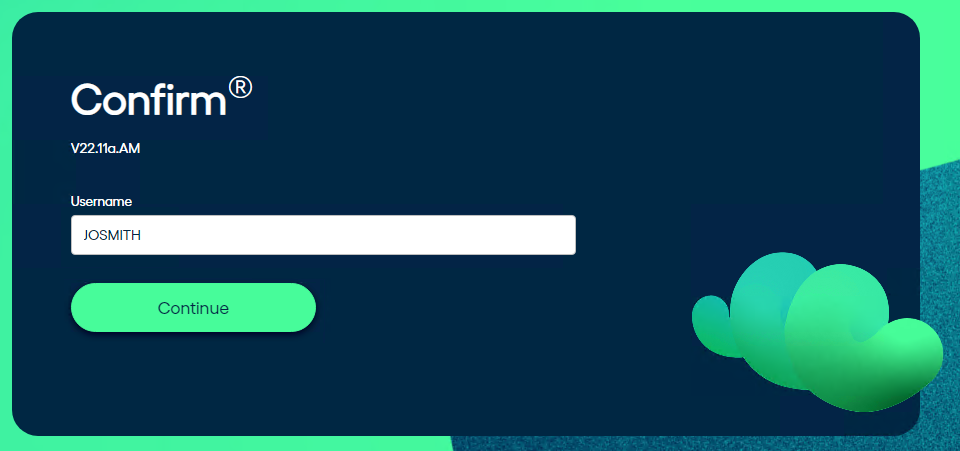
Enter a valid Username and hit Continue, this will display the password field. Enter the password to login to Confirm web Interface.
Note: In case of Single Sign-On the password field will not be displayed on Confirm web Interface, instead user will be redirected to configured Identity Provider of the organisation for authentication.
Please refer to Single Sign-on page for more information on Federated Security.
Note: Password change will be required whenever a user's password is edited by System Administrator in Confirm user security screen or password expires.